AUREL
Equalizer for Android
A 25-band equalizer, bass control and limiter for Android – for AUREL's own player and, where your phone allows it, for other apps.
€4.99 / month · cancel any time
Buy subscription – €4.99/month
Android 9 or newer. Installed from an APK file (not from Google Play). Payment, VAT and invoicing by Lemon Squeezy.
What you get
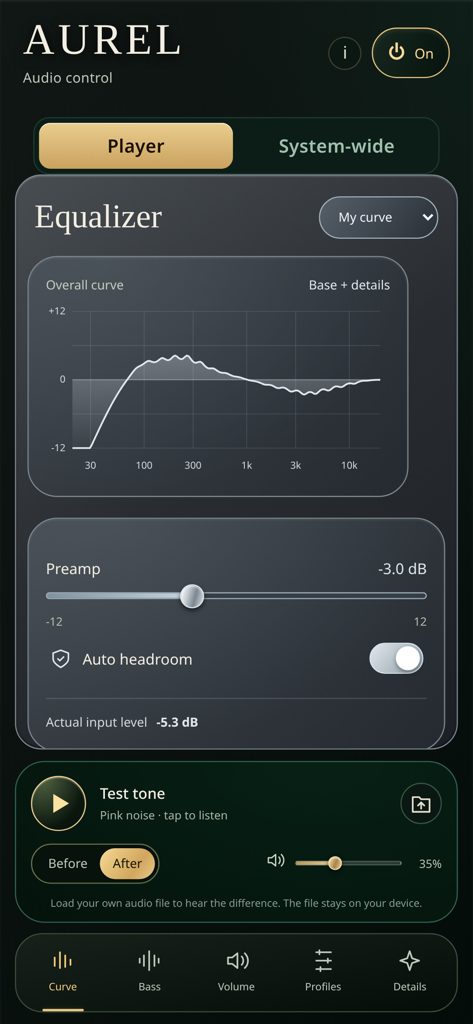
25 or 10 bands
Graphic equalizer with an overall curve view.
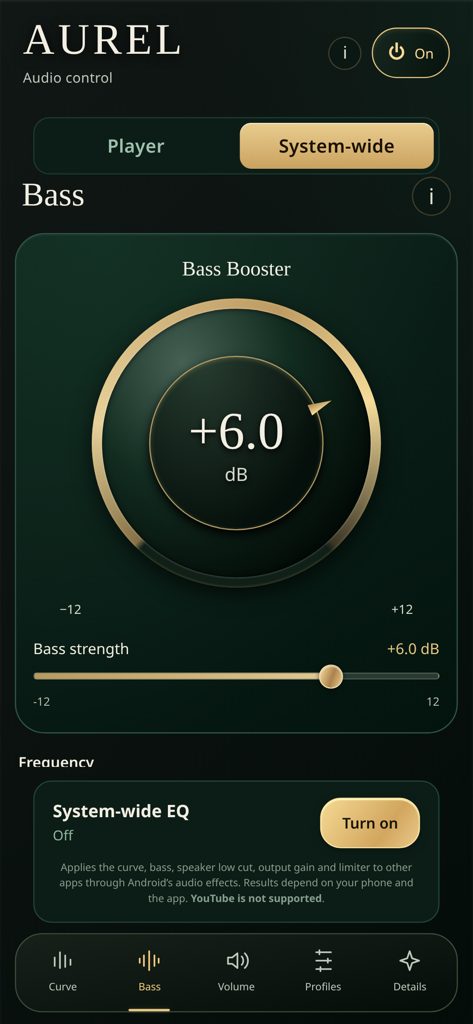
Bass control
Bass from 60–110 Hz, plus a speaker mode that reduces very low bass on small phone speakers.
Gain & limiter
Output gain with a peak limiter and automatic headroom.
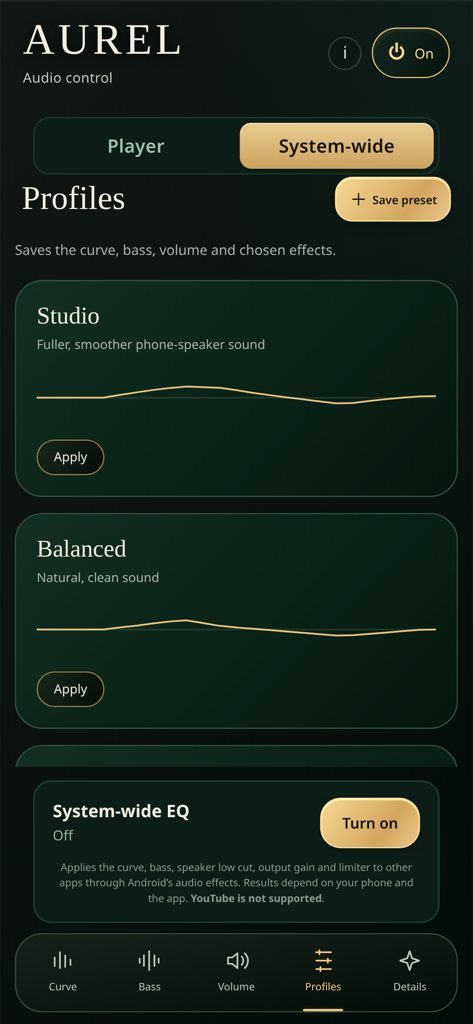
Presets
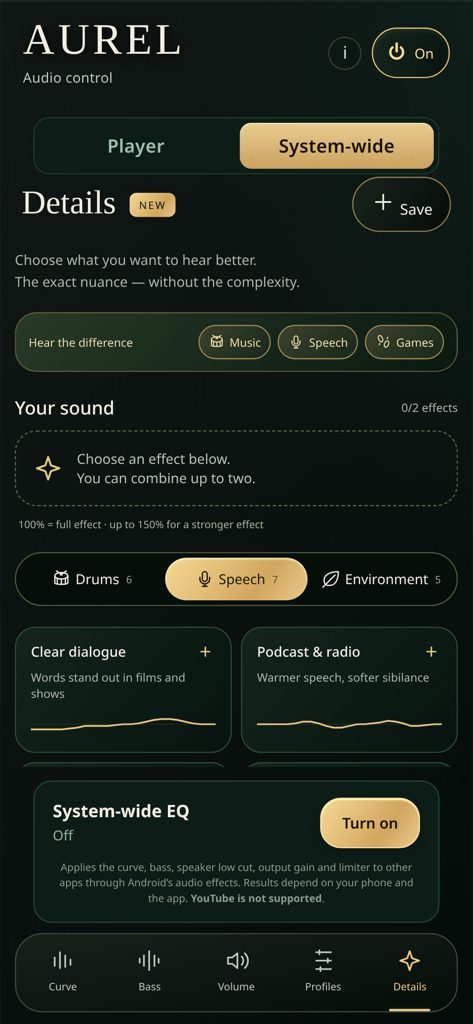
18 ready-made detail presets (drums, speech, environment) and one-tap combos for Music, Speech and Games.
Your profiles
Save your own settings as profiles.
Player mode
Load an audio file from your phone and compare “Before” and “After”. The file stays on your device.
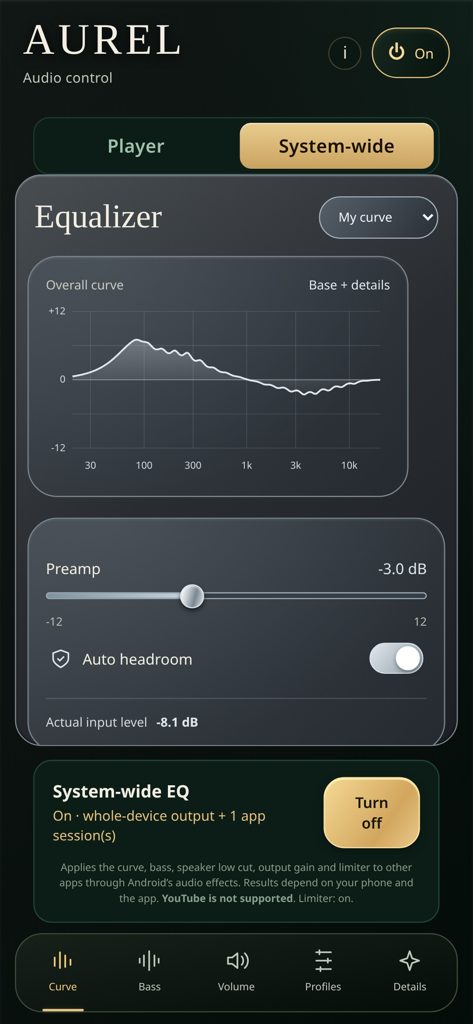
System-wide mode
Applies the equalizer to other apps through Android's audio effects (see the notes below).
Screenshots
Please note before buying
- System-wide mode depends on your phone and on the app that plays the sound. It works where the phone allows device-wide audio effects or where an app shares its audio session. Some apps, including YouTube, are not affected. On most phones the system equalizer has fewer bands than AUREL's 25, so the curve is smoothed.
- AUREL is installed from an APK file, not from Google Play. The steps are below.
- AUREL changes sound frequencies and levels. It is not a hearing aid and does not correct hearing. Keep listening volume at a comfortable level.
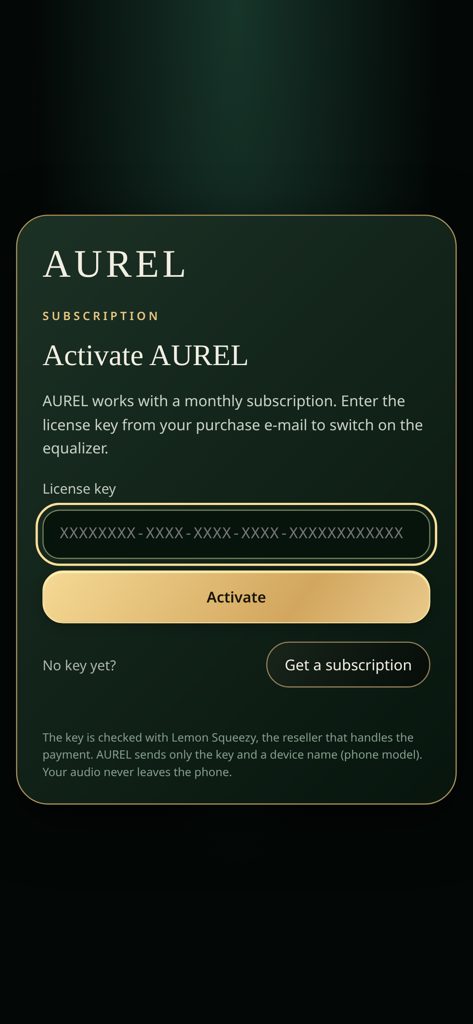
- An internet connection is needed to activate the key and every few days to confirm the subscription. AUREL keeps working offline for up to 7 days.
- Audio is processed on the phone. AUREL sends only the license key and a device name (phone model) to Lemon Squeezy to check the subscription. See the Privacy Policy.
Pricing
AUREL monthly
€4.99 / month
- All features, including system-wide mode
- One license key for up to 2 phones
- Updates included while subscribed
- Cancel any time – AUREL keeps working until the end of the paid period
- No refunds for partial months – see Cancellation & Withdrawal for your statutory rights
Price shown in euro. Applicable VAT is calculated and shown by Lemon Squeezy at checkout. Lemon Squeezy is our online reseller and Merchant of Record and handles payment, VAT and invoices.
How the subscription works
- €4.99 per month, billed by Lemon Squeezy.
- Your license key arrives in the receipt e-mail and is also on your Lemon Squeezy “My Orders” page.
- One key works on up to 2 phones. To move to a new phone, open AUREL > i > Subscription & license > Deactivate on the old phone first.
- Cancel at any time from the link in your receipt e-mail or on your “My Orders” page. AUREL keeps working until the end of the paid period.
How to install
- Download the AUREL APK from the link in your receipt e-mail (file name like
AUREL-2.4.0.apk). Use your phone's browser (e.g. Chrome). - Open the file. Android asks whether to allow installs from this source. Tap Settings, switch on Allow from this source for your browser (or “Install unknown apps” for the Files app), then go back. (Samsung: Settings > Apps > [your browser] > Install unknown apps > Allow.)
- Tap Install. If Google Play Protect shows a warning about an unknown app, choose More details > Install anyway – AUREL is signed by its developer.
- Open AUREL. Paste the license key from your receipt e-mail and tap Activate. You need an internet connection for this step.
- Optional: for System-wide mode, tap “System-wide” at the top and allow notifications. A small notification shows while AUREL processes the phone's audio.
- You can switch off “Install unknown apps” for your browser again after installing.
Updating: download the new APK from the same link and install it over the old one. Your settings and license stay.
New phone: on the old phone open AUREL > i > Subscription & license > Deactivate, then activate the key on the new phone.
Support
Questions or problems? E-mail mcholakov88@abv.bg or reply to your receipt e-mail. We aim to reply as soon as we can. Full seller details are on the Contact & Imprint page.